-
 admin
admin
- No Comments

Traffmonetizer is a passive income platform that allows users to earn money by sharing unused internet bandwidth.
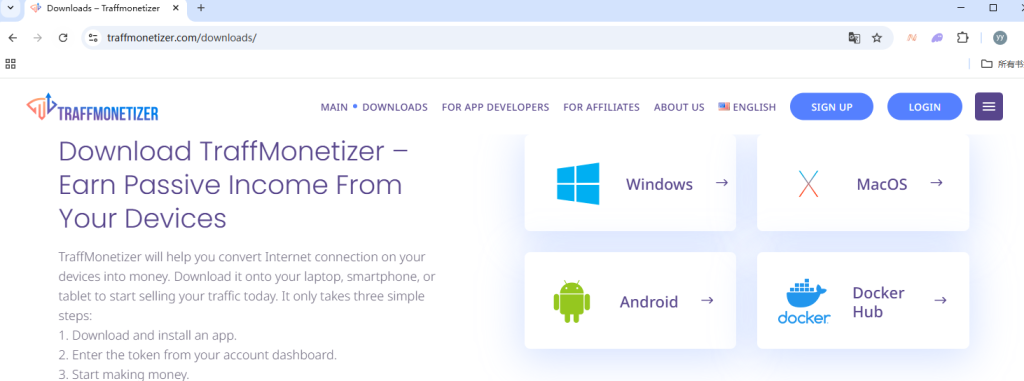
How to Sign Up
Go to the official website:https://traffmonetizer.com/
Click “Sign Up” and register with your email address.
Verify your email to activate the account.
Log in to your dashboard and copy your unique application token.
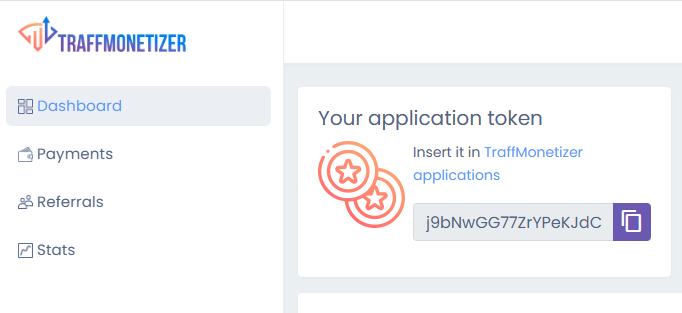
How to Install the App
On the dashboard, go to the “Downloads” section.
Select the Windows version and download the installer.
Run the installer and follow the setup wizard.
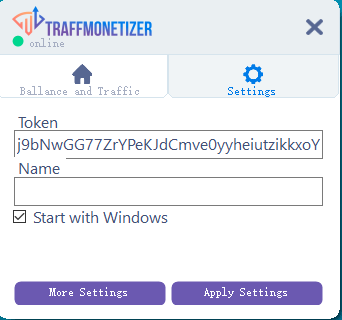
Open the app, paste your application token, and click “Apply Settings”.
Enable “Start with Windows” if you want the app to run automatically on boot.
How It Works
Once the app is running, it will share your bandwidth in the background.
You earn money based on the amount of data shared and the quality of your IP address.
You can track your earnings in real-time on the dashboard, including daily stats and total balance.
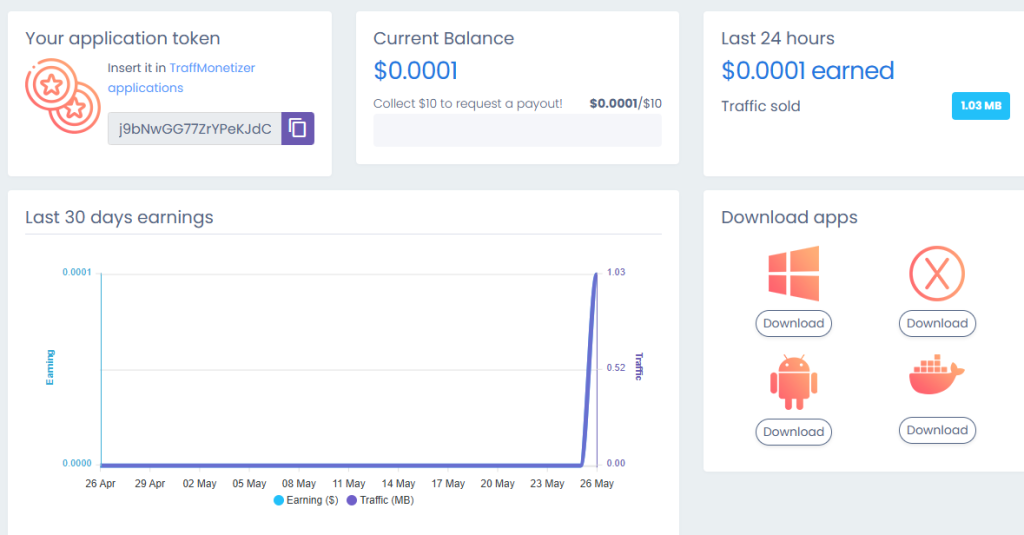
The current payout rate is approximately $0.10 per GB of shared data.
Traffmonetizer offers multiple withdrawal options, including PayPal and cryptocurrency.
The minimum withdrawal threshold is typically $5 to $10, depending on the method.
Truly passive income with zero effort after setup.
Supports multiple devices and operating systems (Windows, macOS, Android, Linux/Docker).
Earnings are very low, typically a few cents per day per device.
Visit PCearn.com to read step by step setup walk-throughs and claim your official registration bonuses now.