-
 admin
admin
- No Comments

$1 Sign-up Bonus: Get an instant head start just by joining.
Low Minimum Payout: Cash out once you reach $5.
Global Support: Works in over 190 countries.
100% Safe: Only shares your internet; never touches your personal data.
Step-by-Step Setup
1: Create Your Account
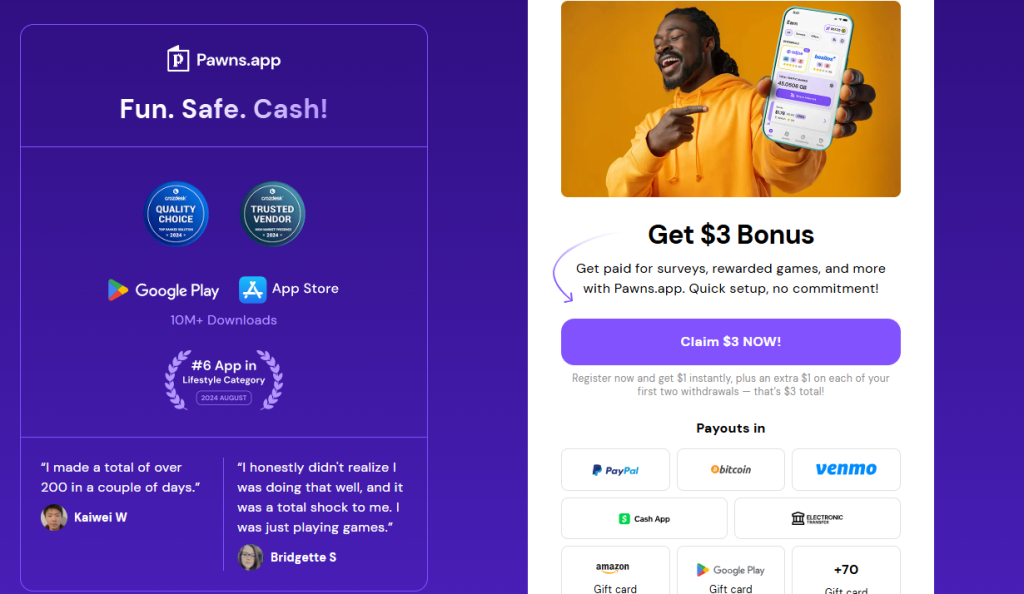
Click [https://pawns.app/] to visit the official site and claim your $1 Bonus. Sign up with your email and verify it to activate your account.
2: Download & Install
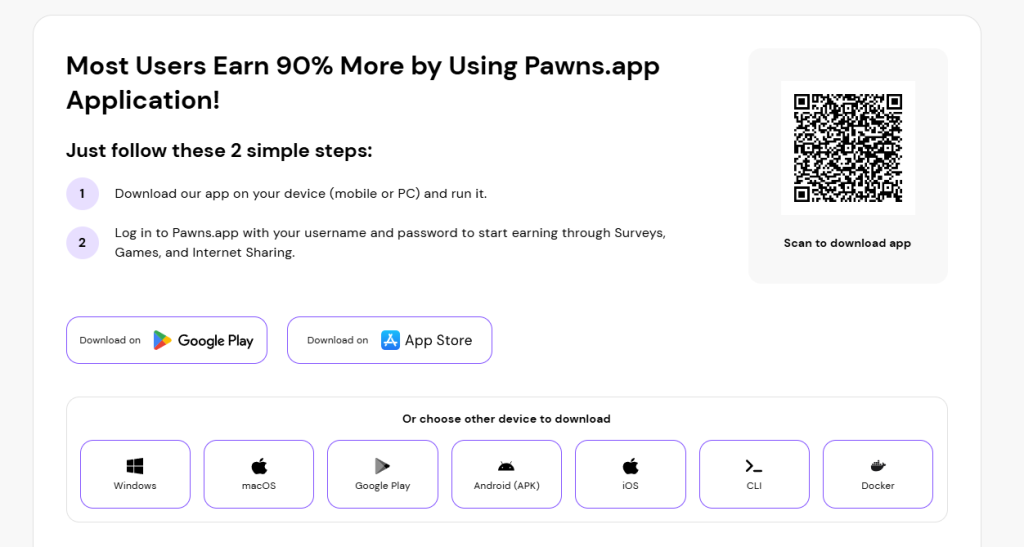
Pawns.app supports Windows, Mac, Android, and iOS. Download the version for your device and log in.
3: Start Earning
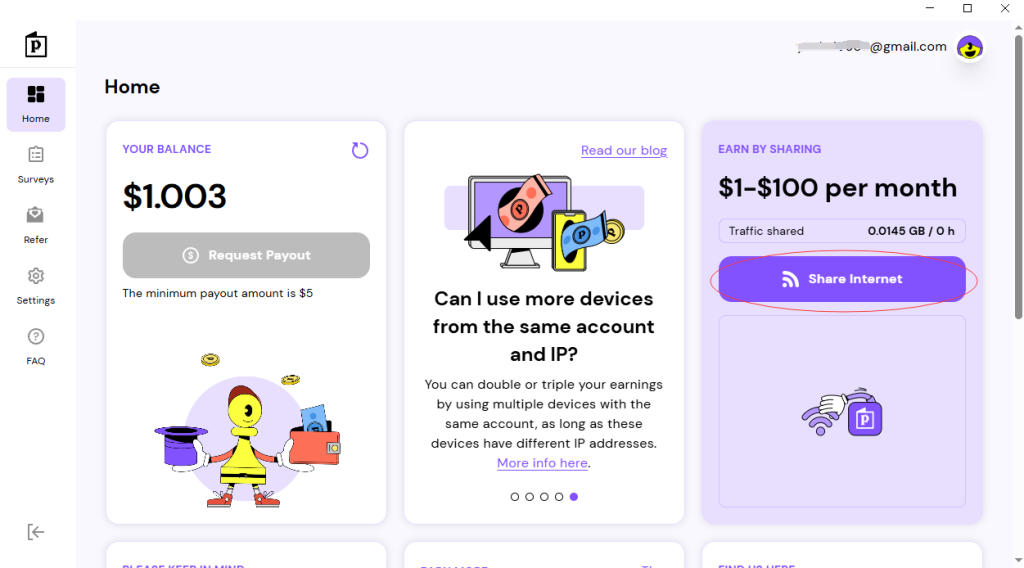
Ensure the “Share Internet” toggle is ON. Keep the app running in the background while you browse, work, or sleep.
One Device Per IP
To maximize stability, run only one device per network. If you have a mobile data plan, run Pawns.app on your phone too!
How to Withdraw
Once your balance hits $5, click the “Request Payout” button. You can choose from:
PayPal (Direct Cash)
Bitcoin (Crypto)
Gift Cards (Amazon, Visa, etc.)
Security Assurance
Pawns.app is used by millions. It only utilizes your idle bandwidth for business intelligence and SEO research. Your passwords, photos, and files are never accessed.
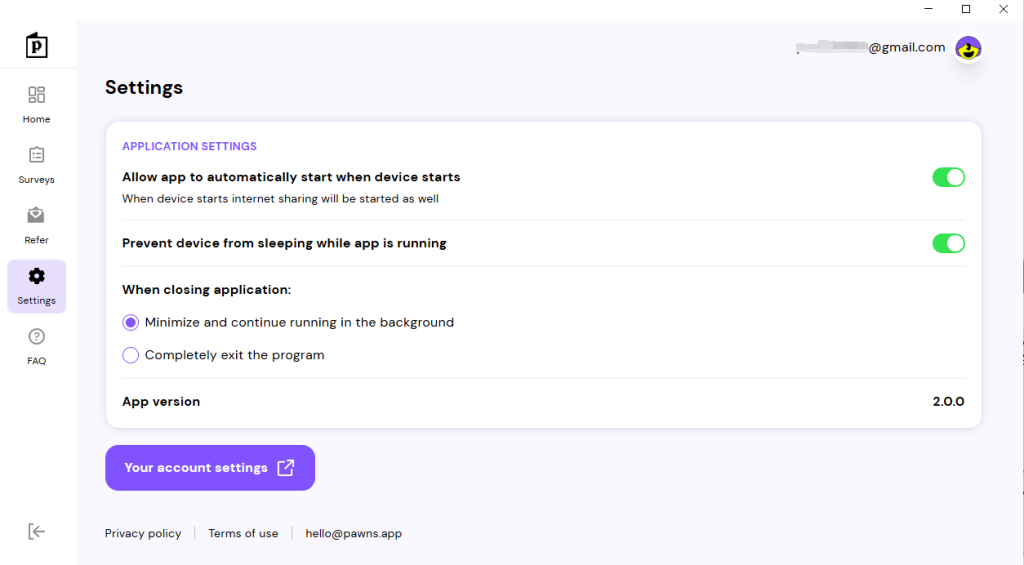
For maximum earnings, you must ensure the app runs 24/7. Follow these steps to enable auto-start:
Pawns works perfectly alongside Honeygain, EarnApp, and Grass; run them all together safely to turn your idle PC into a high-efficiency money-making node.
You can find more detailed setup guides for these apps on our Pcearn homepage